Best website monitoring software 2026: 8 tools compared
Reviewed and updated 2026-06-16 — 8 tools, comparison table, pros/cons and who each one is best for.

What is website monitoring software (uptime monitoring)?
Website monitoring software — also called uptime monitoring — is a tool that periodically checks whether your website is accessible from the internet and responding correctly. When it detects downtime — an HTTP 5xx error, a timeout or unexpected content — it sends you an instant alert so you can act before the problem hits your customers, your conversion rates or your Google rankings.
For any digital business, downtime has a real cost: the e-commerce sector estimates average losses of $5,600 per minute of downtime for mid-size sites. Even for smaller projects, an undetected outage lasting hours can mean lost customers, missed form submissions and a damaged reputation. A solid monitoring system gives you peace of mind and lets you react in seconds, not hours.
Beyond basic uptime, modern tools include performance monitoring (load time, TTFB), SSL certificate checks, domain expiry alerts, keyword monitoring for page content and, at more advanced tiers, real user monitoring (RUM) and synthetic tests from multiple global locations.
We have analysed 8 leading tools — from fully free options to enterprise observability platforms — to help you choose the one that best fits your project.
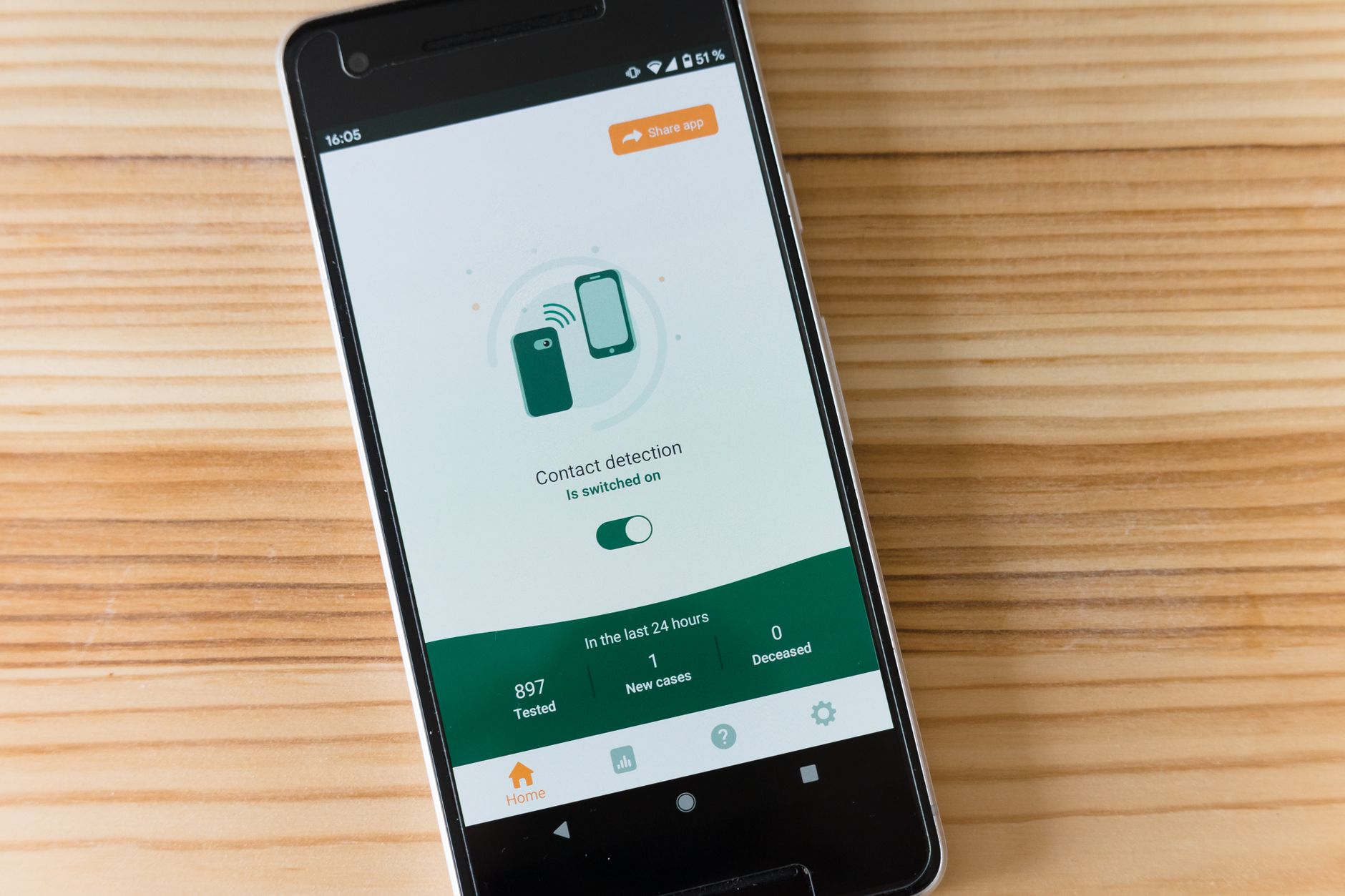
Comparison table: 8 best website monitoring tools 2026
| Tool | Price | Interval | Free plan | Rating | |
|---|
| UptimeRobot | Free / from $7/month | 5 min (free) / 1 min (pro) | ✅ Yes | ★★★★★ 4.7/5 | Visit → |
| Better Stack (Uptime) | Free / from $25/month | 30 seconds (all plans) | ✅ Yes | ★★★★★ 4.8/5 | Visit → |
| Pingdom (SolarWinds) | From $10/month | 1 minute | ❌ No | ★★★★☆ 4.5/5 | Visit → |
| Site24x7 | From $9/month | 1 minute | ❌ No | ★★★★★ 4.6/5 | Visit → |
| Datadog | From $15/month (APM from $31) | 1 minute | ❌ No | ★★★★★ 4.6/5 | Visit → |
| Uptime Kuma | Free (self-hosted, open source) | 20 seconds | ✅ Yes | ★★★★★ 4.7/5 | Visit → |
| StatusCake | Free / from £24.99/month | 1 min (pro) / 5 min (free) | ✅ Yes | ★★★★☆ 4.4/5 | Visit → |
| HetrixTools | From $14.95/month | 1 minute | ❌ No | ★★★★☆ 4.4/5 | Visit → |
Indicative prices. Platforms update their rates frequently — check the official website for the exact price.
Detailed analysis of each tool
1. UptimeRobot
Price: Free / from $7/month | Interval: 5 min (free) / 1 min (pro) | Locations: Multiple global zones
✓ Pros- Real free plan with 50 monitors
- comprehensive integrations
- easy setup
✗ Cons- 5-minute minimum interval on free plan
- basic performance reports
Best for: Startups and agencies on a tight budget that need to monitor many sites
★★★★★ 4.7/5
Visit UptimeRobot →
2. Better Stack (Uptime)
Price: Free / from $25/month | Interval: 30 seconds (all plans) | Locations: 20+ global locations
✓ Pros- 30-second checks from free plan
- built-in status pages
- excellent developer experience
✗ Cons- Free plan limited in locations
- price grows with number of monitors
Best for: Dev teams wanting modern monitoring with professional status pages
★★★★★ 4.8/5
Visit Better Stack (Uptime) →
3. Pingdom (SolarWinds)
Price: From $10/month | Interval: 1 minute | Locations: 100+ locations
✓ Pros- Market benchmark
- real user monitoring (RUM)
- detailed reports
✗ Cons- High price
- RUM and synthetic monitoring are separate modules
Best for: Mid-size and enterprise companies needing RUM and advanced performance data
★★★★☆ 4.5/5
Visit Pingdom (SolarWinds) →
4. Site24x7
Price: From $9/month | Interval: 1 minute | Locations: 130+ locations
✓ Pros- All-in-one: uptime
- RUM
- synthetic
- SSL
- multi-cloud — great value
✗ Cons- Dense UI
- initial learning curve
Best for: SMBs and agencies wanting the most complete suite at the best price
★★★★★ 4.6/5
Visit Site24x7 →
5. Datadog
Price: From $15/month (APM from $31) | Interval: 1 minute | Locations: 15+ global zones
✓ Pros- Full observability platform: APM
- logs
- infrastructure
- synthetic monitoring
✗ Cons- Expensive for small teams
- complex configuration
Best for: Engineering teams at companies with complex stacks needing full observability
★★★★★ 4.6/5
Visit Datadog →
6. Uptime Kuma
Price: Free (self-hosted, open source) | Interval: 20 seconds | Locations: Your own server
✓ Pros- 100% free
- self-hosted
- unlimited monitors
- modern UI
- 90+ integrations
✗ Cons- Requires your own server (VPS or Docker)
- no multi-country monitoring
Best for: Developers and sysadmins wanting full control at zero subscription cost
★★★★★ 4.7/5
Visit Uptime Kuma →
7. StatusCake
Price: Free / from £24.99/month | Interval: 1 min (pro) / 5 min (free) | Locations: 43+ locations
✓ Pros- Generous free plan
- SSL and domain monitoring included
- easy to use
✗ Cons- Paid plans pricey for what they offer
- slow support
Best for: Agencies wanting an affordable Pingdom alternative with a decent free plan
★★★★☆ 4.4/5
Visit StatusCake →
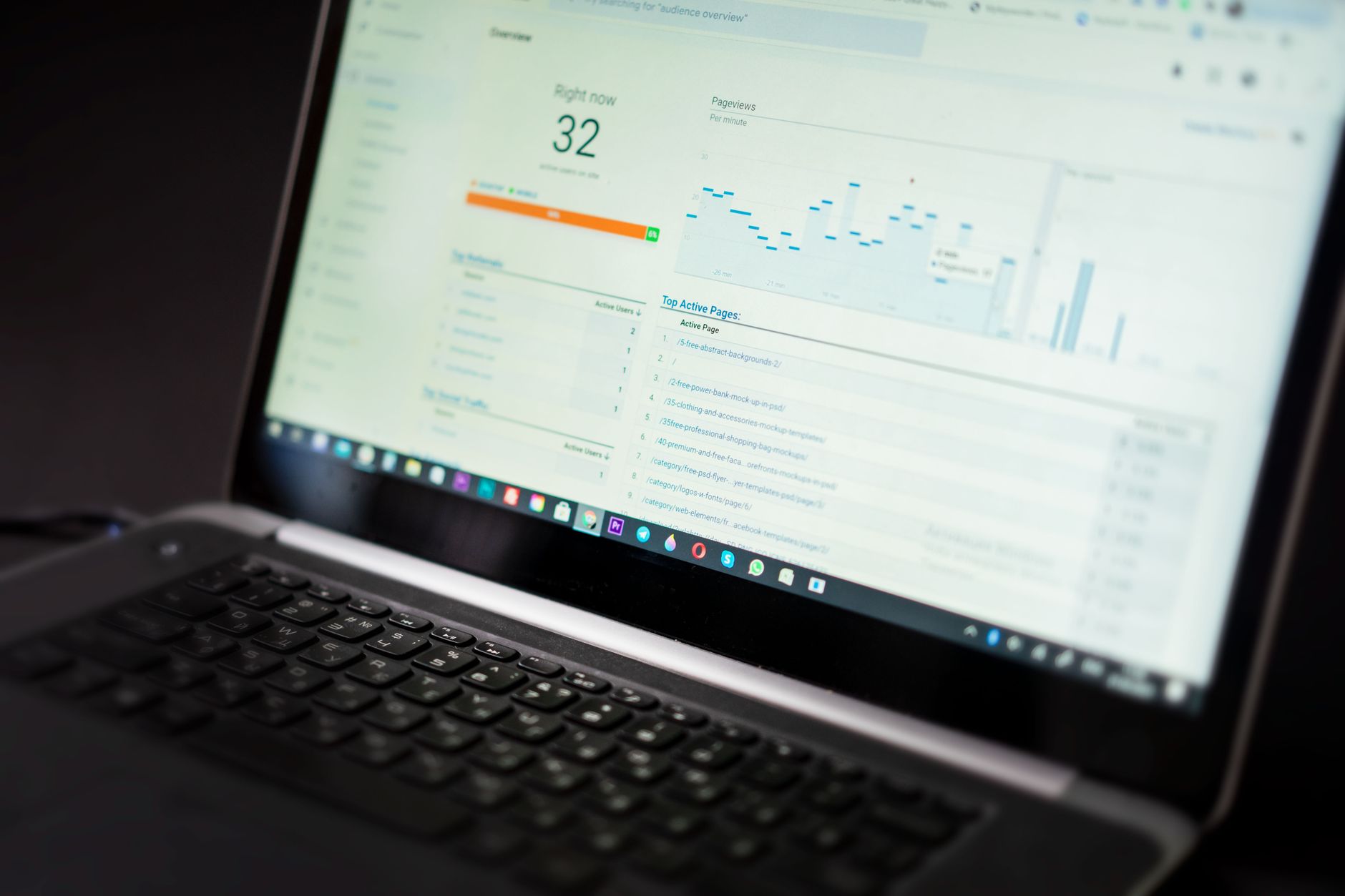
How to choose the right website monitoring software
Choosing the right tool depends on three main factors: your budget, your team's technical level and the type of project you are monitoring.
By budget
- Zero budget: UptimeRobot (free plan with 50 monitors) or Uptime Kuma if you have a VPS.
- Up to $25/month: Better Stack offers the best value with 30-second checks from day one.
- Enterprise or large agency: Site24x7 or Datadog for full observability (APM, logs, infrastructure).
By project type
- Blog/corporate site: UptimeRobot or StatusCake free plan are more than enough.
- E-commerce or SaaS: You need per-minute checks, SSL monitoring and SMS alerts. Better Stack or Site24x7.
- Agency managing many clients: HetrixTools has the best per-site pricing and adds blacklist monitoring, critical for email deliverability.
- Complex engineering stack: Datadog if you already use APM, centralised logs or multi-cloud infrastructure.
Key factors to evaluate
- Check interval: 1 minute is the production standard; 5 minutes is fine for non-critical projects.
- Monitoring locations: More locations means more reliable detection (avoids false positives from local issues).
- Alert channels: Make sure it integrates with your stack: Slack, PagerDuty, Teams or Telegram depending on what you use.
- SSL and domain: Should warn you well in advance (21+ days) before your certificate or domain expires.
- Status page: Highly valued by customers and users during incidents. Better Stack, UptimeRobot and StatusCake include one.
Frequently asked questions about website monitoring
- What is website monitoring software?
- It is a tool that periodically checks whether your website is online and responding correctly. When it detects downtime — an HTTP 5xx error, a timeout or unexpected content — it sends you an instant alert so you can act before the problem affects your customers or revenue.
- How often should I monitor my website?
- For a production business, the ideal is a check every 1-5 minutes. Free plans usually offer checks every 5 minutes, which is fine for non-critical projects. For e-commerce or SaaS with an SLA, you want one minute or less.
- What is the difference between uptime monitoring and APM?
- Uptime monitoring only checks whether the site responds (HTTP 200). APM (Application Performance Monitoring) goes further: it measures response times, application errors, database performance and real user experience. Datadog and Site24x7 combine both approaches.
- Is Uptime Kuma a good free option?
- If you have a VPS or can deploy with Docker, Uptime Kuma is the best free monitoring option on the market: unlimited monitors, alerts to 90+ destinations, a modern UI and full control. It only requires some initial setup time.
- What is a status page and why do I need one?
- It is a public page where you communicate the status of your services in real time. It reduces support tickets during incidents and builds trust with your customers. Better Stack and UptimeRobot include status pages on their plans.
- What is blacklist monitoring?
- It periodically checks whether your IP address or domain has been added to any spam or DNSBL list. This is critical if you do email marketing, as appearing on a blacklist can cause your emails to land in spam or be rejected outright. HetrixTools specialises in this.
- What key metrics does website monitoring provide?
- The most important are: uptime percentage (availability), average response time (TTFB), page load time, SSL certificate status, DNS response time and time to first byte. Tools like Site24x7 and Datadog combine all these metrics in a single dashboard.
- Is UptimeRobot's free plan enough for a small business?
- For most projects, yes: it offers 50 HTTP monitors, email and Slack alerts every 5 minutes, and basic status pages. If you need per-minute checks or keyword monitoring of page content, you will need the paid plan (from $7/month).
- How does downtime affect SEO?
- If Google tries to crawl your site during downtime and repeatedly gets 5xx errors, it may reduce crawl frequency and, in the long run, affect your rankings. Having instant alerts lets you react in minutes, minimising the impact. Isolated 404 errors have no lasting impact as long as they are resolved quickly.
- What is the difference between synthetic monitoring and RUM?
- Synthetic monitoring runs automated scripts from global locations to simulate the user experience. RUM (Real User Monitoring) collects data from your real visitors' browsers. The former detects problems before users experience them; the latter measures the actual impact. Site24x7 and Pingdom offer both.
Affiliate disclosure: This article contains affiliate links. If you click and purchase, we may earn a commission at no extra cost to you. This does not influence our recommendations, which are based on real testing and independent analysis.
AS
Alberto Sanz Diaz
SEO professional with 10+ years building and ranking web projects. Hands-on user of the hosting, security and marketing tools reviewed here.
Related guides on Inside Pro 360