
Updated: June 2026. Prices verified on official websites.
The global project management software market exceeded $6 billion in 2024 and is growing at double digits because teams genuinely need it. According to PMI, organizations that use formal project management tools meet their goals 77% of the time, compared to 56% for those that don't. The difference isn't team talent — it's whether projects are organized and visible to everyone involved.
The challenge is the enormous range of options. Asana, Monday.com, Trello, Notion and ClickUp all compete in the same space with very different propositions: from Trello's ultra-simple visual kanban to Notion's all-in-one workspace, through Asana's automation power and Monday.com's flexibility. Choosing wrong means paying for features nobody uses — or worse, adopting a tool the team abandons within three weeks.
This comparison analyzes each option in depth so you can decide without signing up for five free trials at once.
| Tool | Price (per user/month) | Max free users | Best for | Rating | |
|---|---|---|---|---|---|
| Asana | Free / from $10.99 | Up to 10 users | Mid-sized teams, complex workflows | ★★★★★ 4.6/5 | Try free → |
| Monday.com | From $9/user | 2 users | Operations, marketing, visual teams | ★★★★★ 4.5/5 | Visit site → |
| Trello | Free / from $5 | Unlimited (10 boards) | Small teams, simple workflows | ★★★★☆ 4.4/5 | Visit site → |
| Notion | Free / from $10 | Unlimited (basic) | Teams that need docs + projects | ★★★★☆ 4.4/5 | Visit site → |
| ClickUp | Free / from $7 | Unlimited (100MB storage) | Best price/features ratio | ★★★★☆ 4.5/5 | Visit site → |
Asana is the reference standard for project management in mid-sized and large teams. Founded in 2008 by former Facebook cofounders, it counts more than 130,000 paying organizations worldwide and has been publicly traded since 2020. Its core strength is task dependency management and automation rules that let you build workflows without writing any code.
The free plan includes unlimited tasks and projects for up to 10 users, list and kanban views, and basic integrations with Slack, Google Drive and Microsoft Teams. It's more than enough for small teams starting out. Paid plans (from $10.99/user/month billed annually) unlock the timeline view (Gantt chart), reporting dashboards, advanced automations and portfolio management.
Best for: Product, development and marketing teams with complex projects and multiple task dependencies. Also great for agencies managing client projects.
Try Asana free →Monday.com is the most visually flexible option in the market. What started as a task management tool in 2012 has evolved into a work platform used by more than 225,000 customers, including Coca-Cola, L'Oréal and Canva. Its key competitive advantage is highly configurable boards with over 30 column types and a drag-and-drop interface anyone understands within minutes.
There's no real free plan (the trial is 14 days); the basic plan starts around $9/user/month for a minimum of 3 users. This makes it more expensive than Trello or ClickUp for small teams, but the value proposition justifies the cost for operations or marketing teams that need to adapt the tool to their specific processes. Its automations (250 actions/month on basic plan) and integrations with Jira, GitHub and Salesforce position it as an operations platform rather than just a task manager.
Best for: Operations, HR, sales and marketing teams that need a tool adapting to their process, not the other way around.
View Monday.com →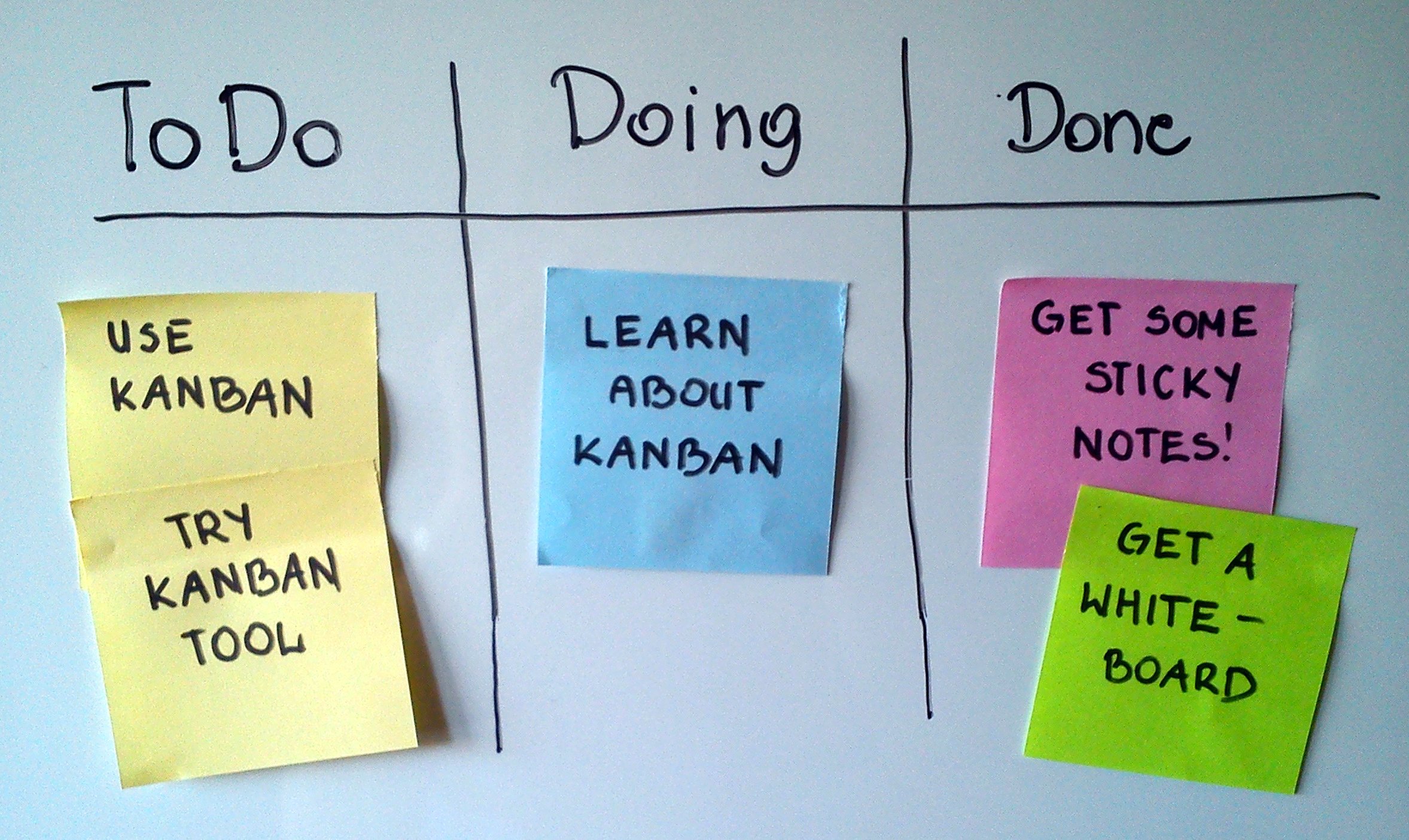
Trello democratized visual project management. Acquired by Atlassian in 2017 for $425 million, it has accumulated more than 50 million users worldwide. Its proposition is the simplest in the market: kanban-style card boards with customizable columns that anyone understands without prior training.
The free plan is the most generous in terms of users (unlimited), though it limits workspaces to 10 active boards per user. The Standard plan ($5/user/month) removes that limit and adds advanced checklists and custom fields. Trello's biggest limitation versus competitors is the lack of native task dependencies and the absence of a Gantt view without third-party Power-Ups. For projects with multiple teams and complex dependencies, you'll need something more powerful.
Best for: Small teams (2-8 people), freelancers, editorial or content projects, and any workflow where simplicity matters more than power.
View Trello →Notion is the most unique case in this comparison because it's not just a project management tool — it's a workspace that combines documents, databases, wikis and task management in a single tool. Founded in 2016, it surpassed 30 million users in 2023 driven by word-of-mouth from startup teams and freelancers wanting to replace a stack of tools with one.
Project management in Notion works through databases with table, kanban, calendar and gallery views. The power lies in being able to relate databases to each other: link tasks to project documents, to the client and to the corresponding sprint. The limitation is that building that system requires initial configuration time or using community templates. For pure project management with automations, Asana or ClickUp are faster to get up and running.
Best for: Startups and teams that need documentation + project management without paying for two separate tools. Also great for content creators and freelancers.
View Notion →ClickUp offers the best value for money in 2026. Founded in 2017 in San Diego, it has grown to more than 10 million users with a clear strategy: offer more features than competitors at a lower price. The free plan is one of the most complete in the market (unlimited users, unlimited tasks, 15+ different views), and the Unlimited plan ($7/user/month) unlocks most advanced features that Asana or Monday charge double for.
ClickUp's strength is extreme customization: you can configure each workspace with the fields, views and automations you need. This is also its Achilles heel — the interface can feel overwhelming initially and the learning curve to leverage its full potential is steeper than Trello or Monday. But for technical or product teams that want a flexible, powerful tool without enterprise pricing, ClickUp is hard to beat.
Best for: Technical, product or startup teams wanting a very powerful and customizable tool without enterprise pricing.
View ClickUp →
The right choice depends on four factors: team size, project complexity, available budget and integrations with the rest of your stack.
Team size: For teams of 1-5 people, Trello or Asana's free plan are sufficient. Between 5-20 people, Asana Premium or ClickUp Unlimited offer the best features-per-price ratio. For teams of 20+, Monday.com or Asana Business provide the portfolio management and reporting needed at that scale.
Project complexity: If your projects have task dependencies (task B can't start until task A is done), you need Asana, Monday or ClickUp. Trello has no native dependencies. If you also manage multiple simultaneous projects and need to see overall progress, Asana's portfolio view is the most mature on the market.
Budget: Total cost varies significantly by number of users. For a 10-person team on a basic paid plan, approximate annual costs are: ClickUp ~$840, Trello ~$600, Asana ~$1,320, Notion ~$1,200, Monday.com ~$1,080 (minimum 3 users).
Integrations: If you already use the Atlassian suite (Jira, Confluence), Trello provides the cleanest integration. For teams in the Google ecosystem (Gmail, Drive, Meet), all five tools integrate well. If your CRM is Salesforce or HubSpot, Monday.com and Asana have the most mature integrations.
If you're unsure, start with the free plan of Asana or ClickUp and evaluate for 2-3 weeks with a real project. The tool the team adopts organically is always the right one, regardless of what rankings say.
For managing client relationships alongside your projects, also check our best CRM for SMBs comparison. And if you're looking for tools to write content faster, you might find our best AI writing tools guide useful.
For most teams, Asana (free plan to start, Premium to scale) offers the best combination of power, usability and integration ecosystem. If budget is a real constraint, ClickUp gives you more for less. And if simplicity is the priority, Trello never disappoints.